Home About Experience Skills Projects Gallery Contact
Available for new opportunities

Ahmad Bin
Zubair

IT System & Network Administrator and Team Lead at Transcure. Specializing in network infrastructure, cybersecurity, system administration, and enterprise IT operations in Lahore, Pakistan.

11+
Months Exp.
1400+
Users Supported
6+
Live Projects
Ahmad Bin Zubair
Network Admin
Cybersecurity
Team Lead
// Get to know me

About Me

Ahmad Bin Zubair
Ahmad Bin Zubair
IT System & Network Administrator · Team Lead
03090066777
Lahore, PK
Transcure
● Open to work
Education
Associate's — Information Technology
Riphah International University
2025 – 2026 (In progress)
Intermediate — Pre-Medical
Federal Board
2022 – 2024
Matric — Computer Science
BISE Lahore
2020 – 2022

I'm Ahmad Bin Zubair, a passionate IT professional from Lahore, Pakistan, currently serving as IT System & Network Administrator and Team Lead at Transcure — a 1400+ employee organization.

My journey started as an IT Intern and within 11 months I progressed through IT Support to Network Administrator and Team Lead. I specialize in enterprise networking, cybersecurity, Active Directory, VMware virtualization, server administration, and deploying automation solutions that run around the clock.

I believe in building IT systems that are secure, reliable, and self-monitoring. From setting up PRTG network monitoring to writing GPO scripts that lock down 100+ endpoints, I enjoy making infrastructure work smarter — not harder.

Currently pursuing an Associate's degree in IT at Riphah International University while leading IT operations full-time.

// Career Journey

Work Experience

IT System & Network Administrator
Transcure
June 2026 – PresentLahore1400+ employees
● Current · Team Lead
Started as IT Intern, promoted to IT Support Engineer, now serving as IT System & Network Administrator & Team Lead. Managing entire IT infrastructure, network operations, cybersecurity controls, 100+ endpoints, enterprise switches, access points, data center, VMware environment, PRTG monitoring, and business continuity for a large medical billing organization.
Network AdministrationWindows ServerActive DirectoryCybersecurityVMware ESXiTeam LeadershipData CenterPRTG
IT and Support Engineer
Transcure (TransCrown Medical Billing)
Jan 2026 – Jun 20266 months
Promoted after successful internship. Managed advanced IT support, system maintenance, and overall IT operations. Handled troubleshooting, user support, and began managing network infrastructure components including switches and access points.
IT SupportSystem MaintenanceTroubleshootingNetwork MgmtOnboarding
IT Support Intern → IT Support Officer
Transcure · 1400+ employees
Aug 2025 – Feb 20265 months
Started IT career at Transcure supporting daily operations across 1400+ employees. Handled hardware/software support, helpdesk ticketing, IT inventory management, system installation, and user onboarding. Promoted from Intern to permanent Support Officer.
HelpdeskIT InventoryHardware SetupTicketingUser Onboarding
// Technical Arsenal

Skills & Expertise

Networking
Network Administration90%
Switch Setup (Cisco)85%
AP Setup (UniFi)85%
PRTG Network Monitoring82%
System Administration
Windows Server88%
Active Directory & Domain87%
GPO & Security Policy85%
cPanel Management80%
Virtualization & Security
VMware ESXi80%
VM Create & Setup80%
Wazuh SIEM75%
Data Center Management82%
IT Support & Operations
Helpdesk & Ticketing95%
User Onboarding / Offboarding92%
RMM Tool Setup78%
Camera Setup & Management80%
// Tools & Technologies
Windows Server
Active Directory
Group Policy (GPO)
Cisco Switches
UniFi / AP Setup
PRTG Monitoring
VMware ESXi
Wazuh SIEM
cPanel
RMM Tools
Snipe-IT
HRMS Ticketing
CCTV / Camera
Automation Scripts
Server Setup
MS Office Suite
// GPO & Script Deployments
Block Microsoft Store
Block Microsoft Edge
Disable Bluetooth
Block Hotspot Sharing
Lock Company Wallpaper
Control Windows Updates
// Real Work I've Built

Projects

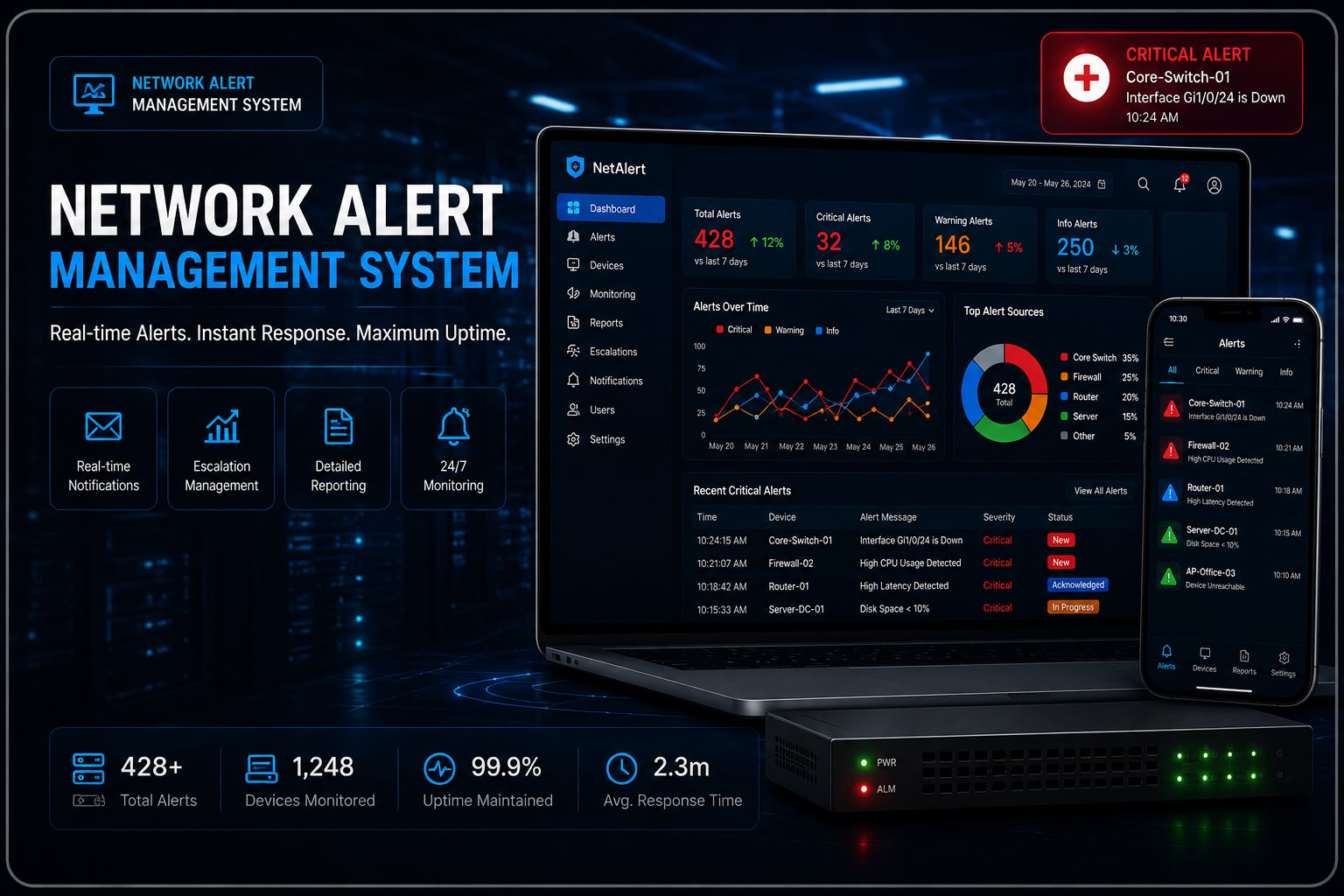
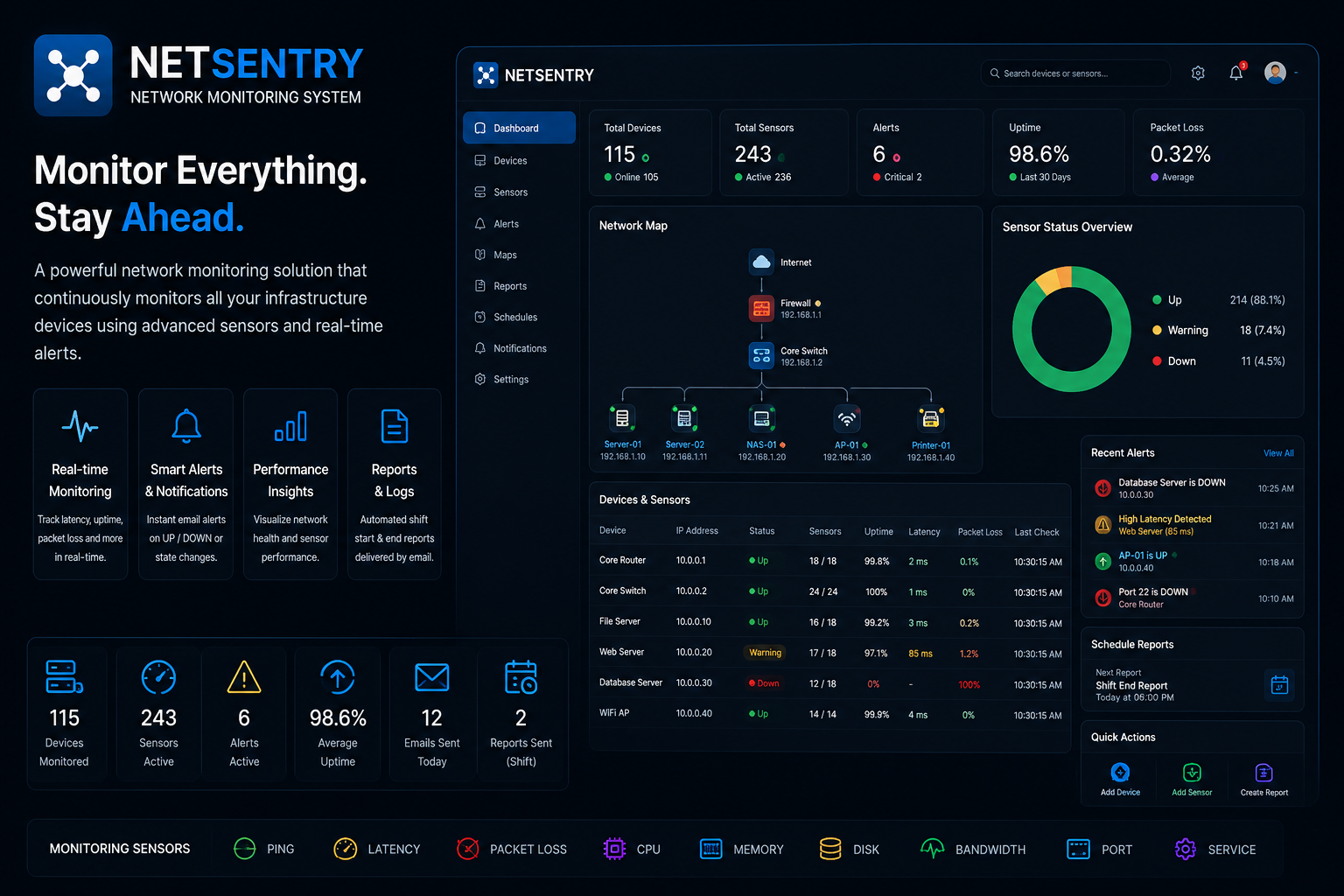
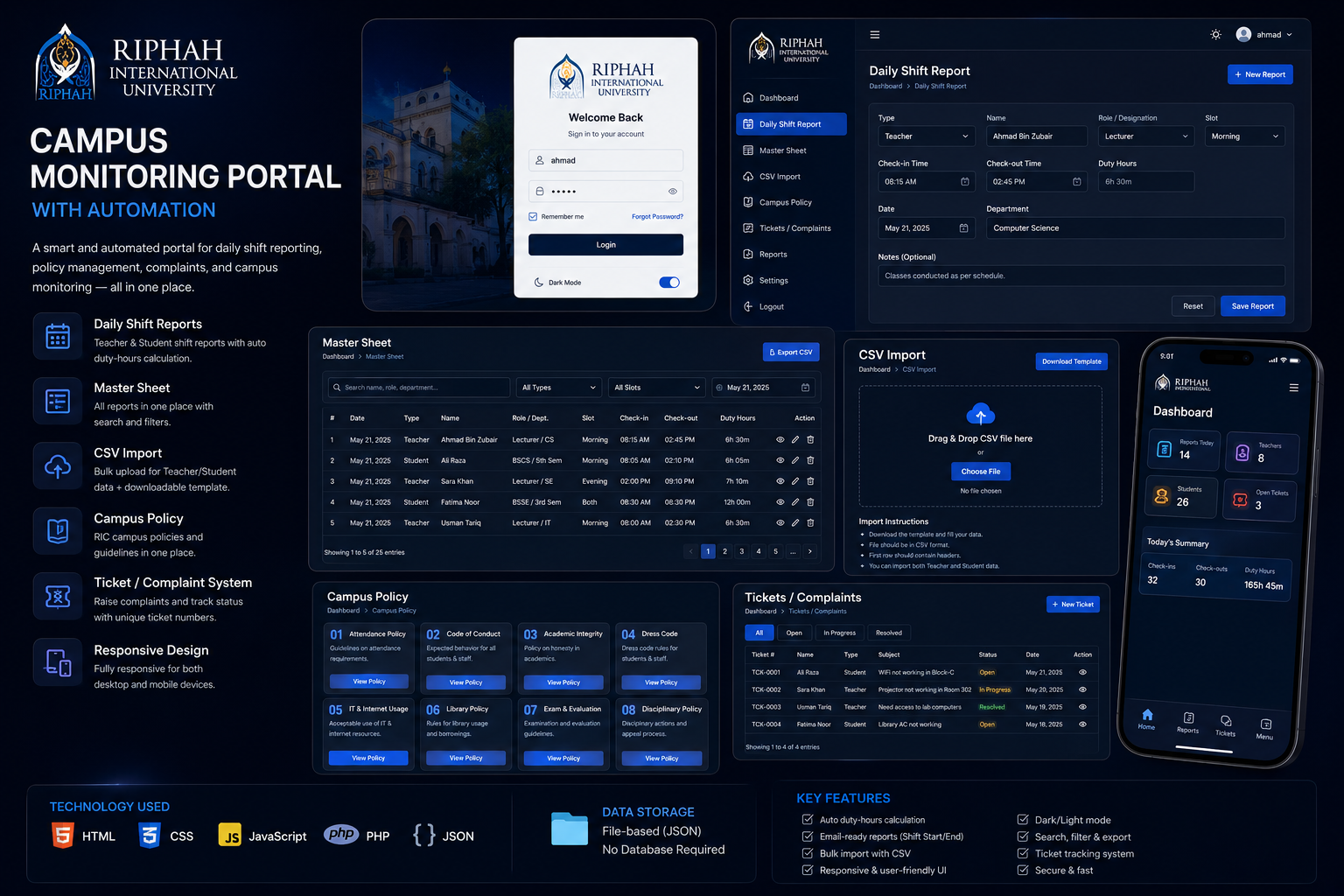
Network Alert Management System dashboard
● Live 24/7
Network Alert Management System
A fully automated 24/7 system that continuously pings every device in the IT infrastructure — servers, switches, APs, cameras, and more. When any device goes offline, an instant email alert fires with device name, IP, and timestamp. When it comes back online, another email confirms recovery. At every shift start and end, a full infrastructure report is auto-generated and emailed — showing uptime status of all devices, any incidents, and overall network health. Runs completely unattended.
AutomationPing MonitorEmail AlertsShift Reports24/7Infrastructure
Ask me about this
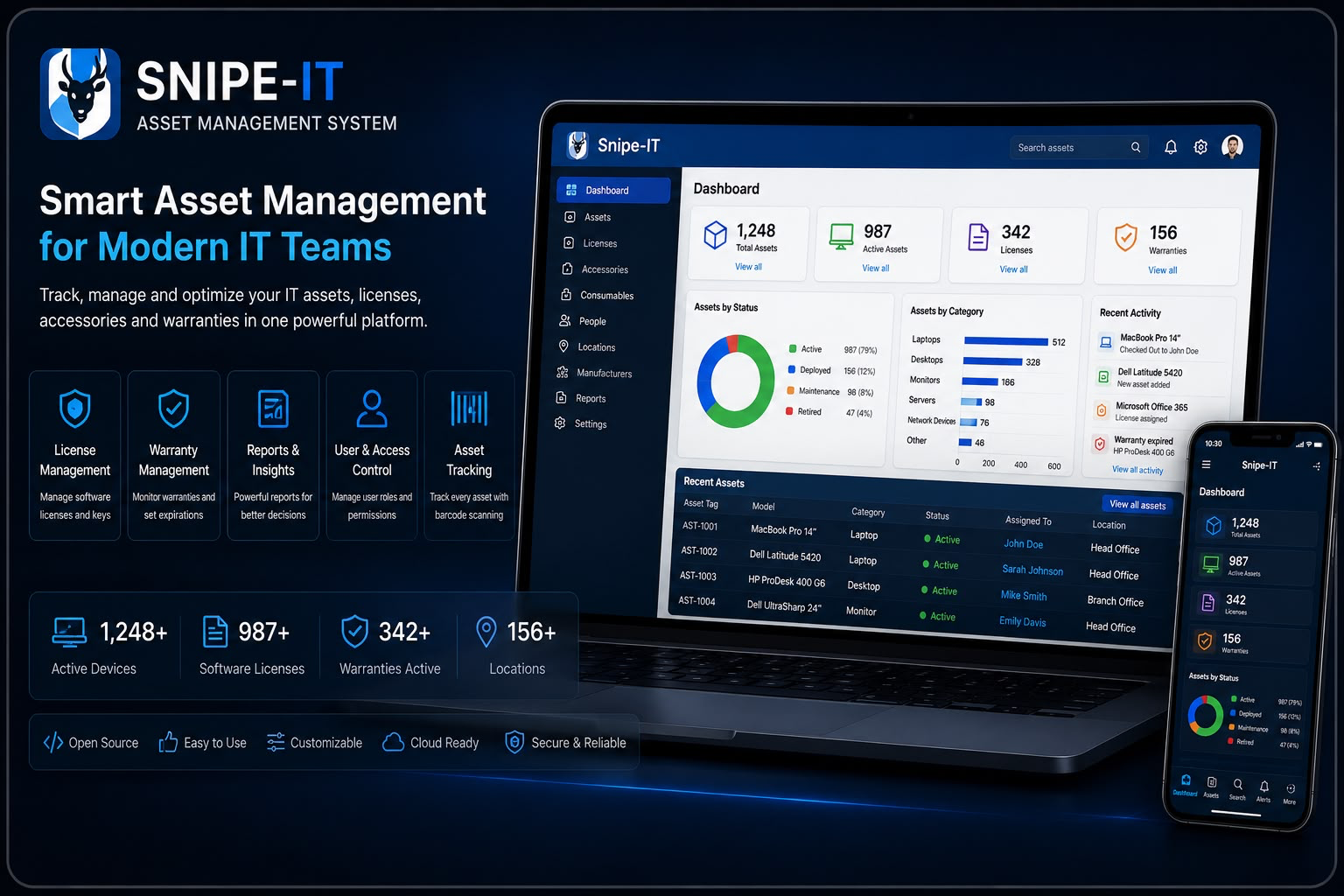
Snipe-IT Asset Management System dashboard
● Live
Snipe-IT Asset Management System
Deployed and fully configured Snipe-IT — an open-source IT asset management platform — to track every piece of hardware in the organization: laptops, monitors, switches, phones, accessories, and more. Every asset is registered with full details. When an asset is checked out to an employee, the system auto-sends a confirmation email with asset details and assignment info. When returned and checked in, another email and audit log entry are auto-created. Reports are generated automatically showing asset status, history, and pending items.
Snipe-ITAsset TrackingCheck-in/outAuto EmailInventoryReports
Ask me about this
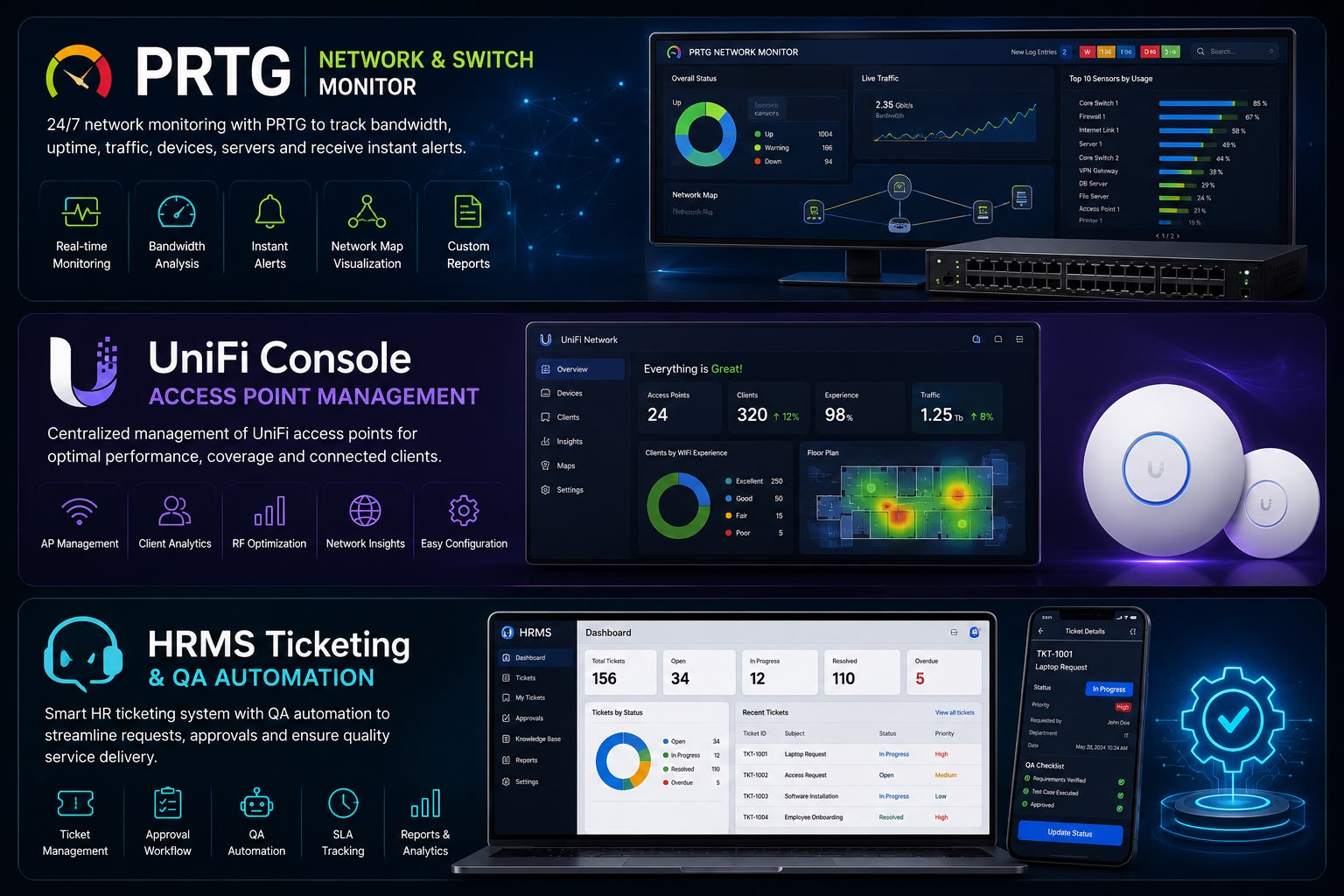
PRTG Network Monitor dashboard
● Monitoring
PRTG Network & Switch Monitor
Set up and configured PRTG Network Monitor across the full IT infrastructure. Added custom sensors for every layer: Ping sensors for all devices, Bandwidth sensors for internet links, Port sensors for Cisco switches, CPU/RAM sensors for servers, and dedicated Lab sensors for each department's lab environment. The live dashboard shows real-time health of 47+ devices. Alerts are configured to notify via email and dashboard when thresholds are breached.
PRTGPing SensorBandwidth MonitorSwitch SensorsLab SensorsAlerts
Ask me about this
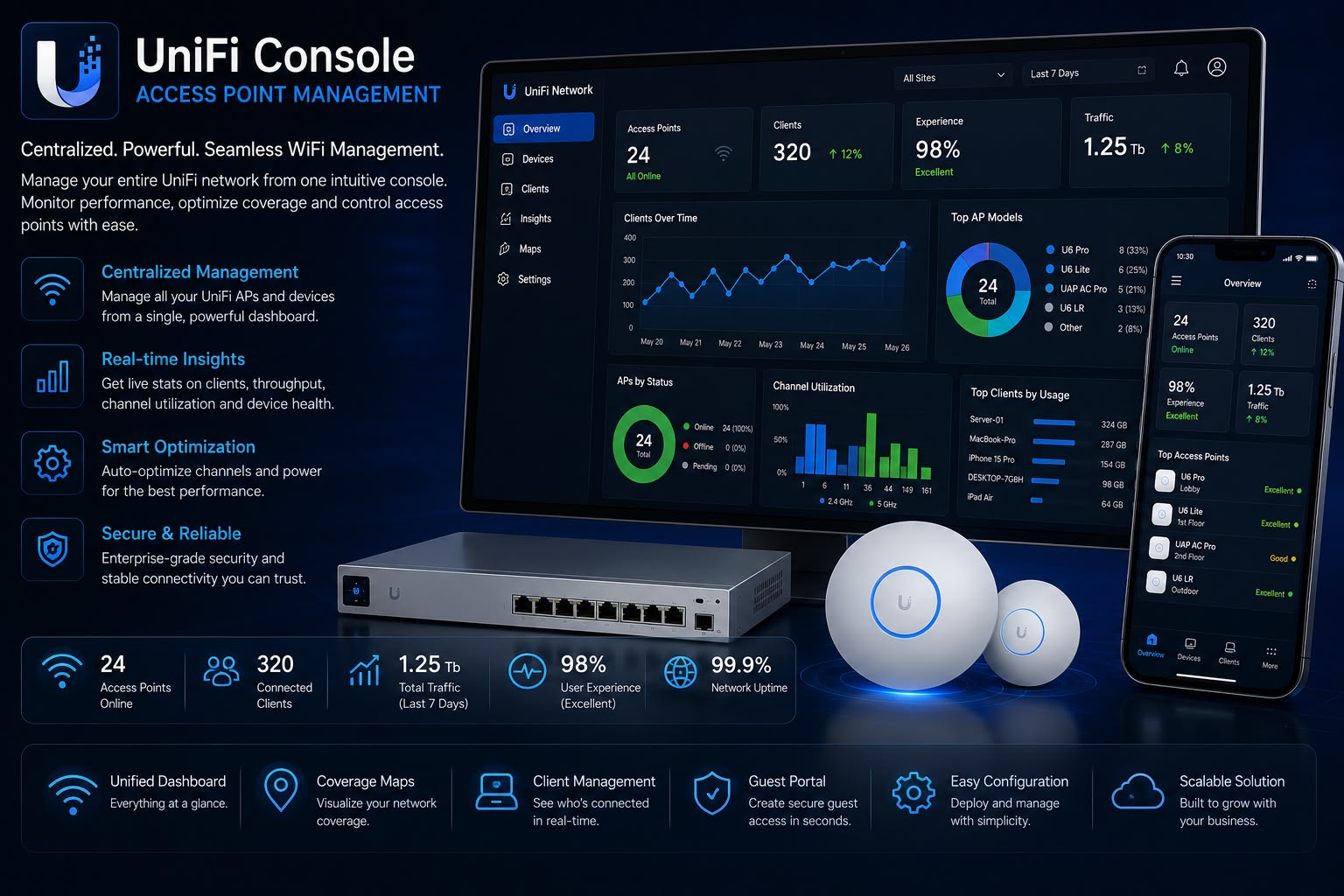
UniFi Console Access Point Management dashboard
● Online
UniFi Console — AP Management
Deployed and configured the UniFi Network Console to centrally manage and monitor all wireless access points across multiple floors and departments. Each AP is visible on a live floor-plan dashboard showing connected clients, signal strength, channel usage, and uptime. Remote configuration, firmware updates, and client isolation are all managed from a single console — no need to physically touch each AP.
UniFiAccess PointsWireless MgmtClient MonitorFloor Plan
Ask me about this
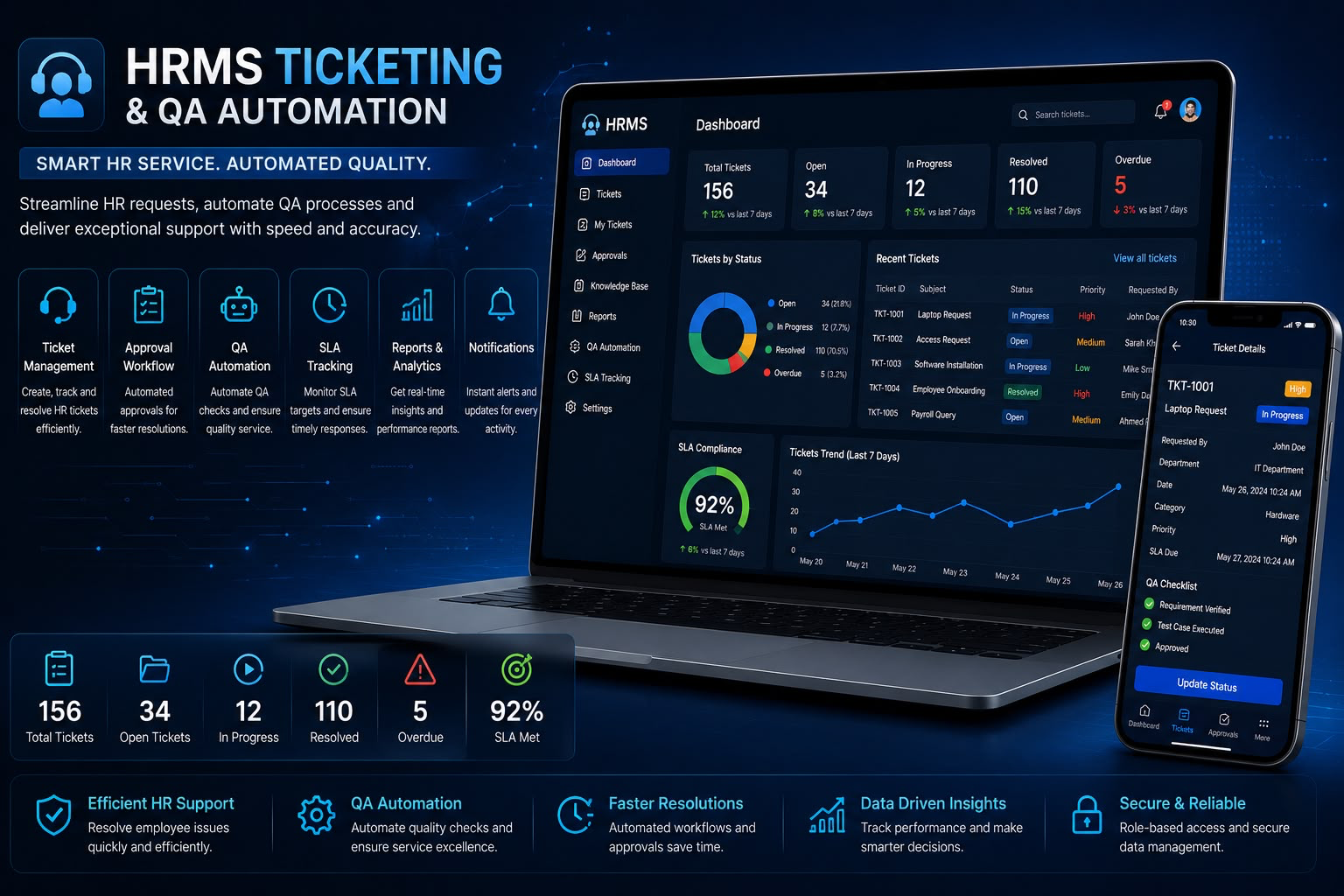
HRMS Ticketing and QA Automation dashboard
● Active
HRMS Ticketing & QA Automation
Set up a full HRMS-integrated ticketing system for the internal IT team. Employees submit issues via a portal, tickets are auto-assigned based on category, and SLA timers begin immediately. Automated QA workflows track response time, resolution quality, and team performance scores — all calculated and reported without manual effort. Management gets a real-time dashboard of IT team performance.
HRMSTicketingQA AutomationSLA TrackingPerformance
Ask me about this
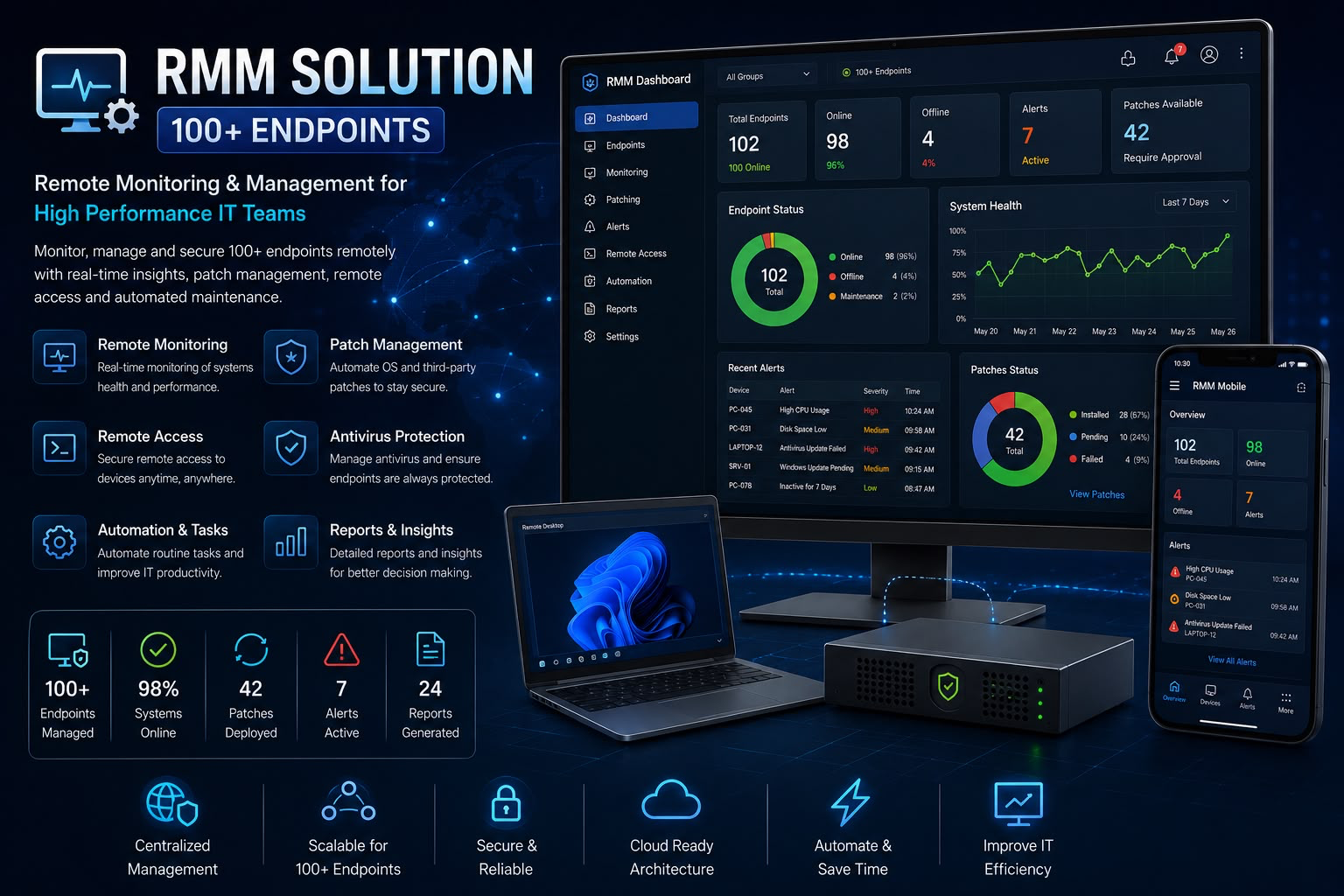
RMM Solution 100+ Endpoints dashboard
● 99 Online
RMM Solution — 100+ Endpoints
Deployed an RMM (Remote Monitoring & Management) solution and onboarded 100+ employee systems onto it. IT team can now remotely access, diagnose, and resolve issues on any machine without physically going to the employee's desk. Includes patch management, software deployment, health monitoring, and real-time alerts for offline machines.
RMMRemote Access100+ DevicesPatch MgmtHealth Monitor
Ask me about this
// Let's Connect

Get In Touch

Let's work together

I'm open to new IT opportunities, collaborations, and professional conversations. Whether you have a role, project, or just want to connect — reach out anytime!